LiveKit opens Cloud API for coding-agent control and call analysis
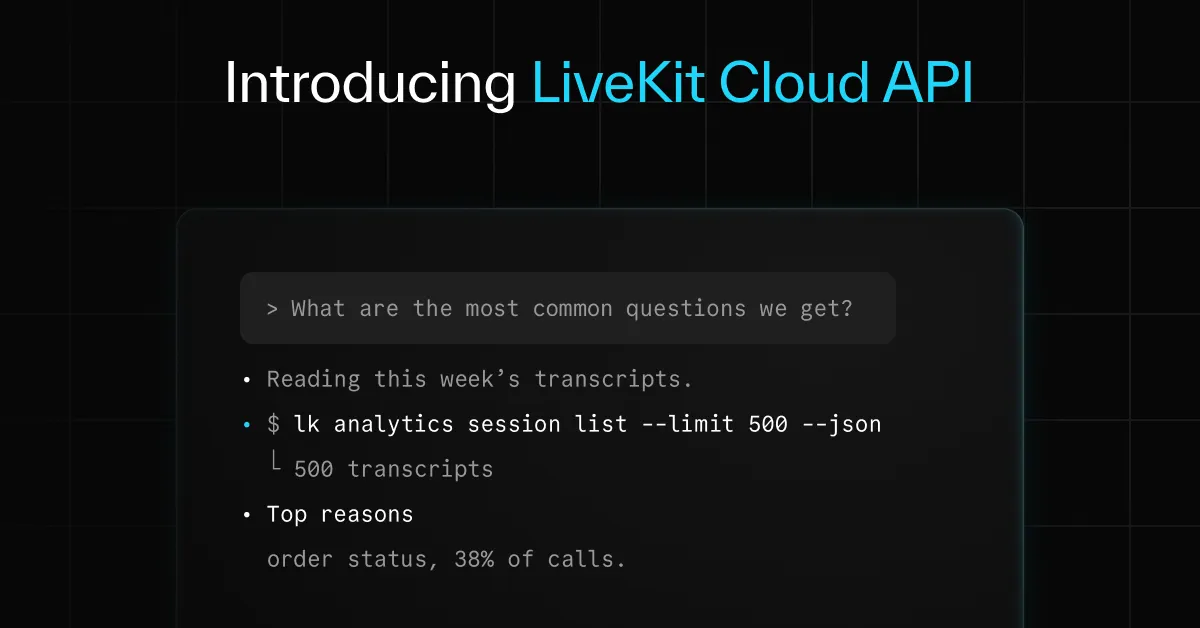
LiveKit has opened a beta Cloud API that lets coding agents handle almost everything available in the LiveKit Cloud dashboard. Agents can configure projects, manage access and webhooks, and investigate calls using transcripts, logs, traces and recordings.
- The LiveKit Cloud API is now in open beta.
- Coding agents can configure projects, members, webhooks and data settings.
- Agents can analyze session transcripts, logs, traces, metrics and recordings.
- LiveKit tested the workflow across 4,321 sessions and identified 8 issues.
- The API uses account-based permissions, with sensitive actions limited to project admins.
From project setup to call investigation
The API extends coding-agent workflows beyond writing and deploying a LiveKit voice agent. A coding agent can create a LiveKit Cloud project, select its data region, enable PII redaction or Agent Observability, invite teammates and add webhooks. It can also send a test event to verify that a webhook is working.
LiveKit says the API is a REST API, so teams do not need a coding agent to use it. Organizations managing multiple projects can script the same setup directly, with the complete list of endpoints available in the API reference.
When Agent Observability is enabled, a coding agent can access session data shown in the dashboard. The available data includes session lists, turn-by-turn transcripts, call logs, trace spans, session metrics and audio or chat recordings. Users can ask an agent to examine one failed call or analyze a larger set of sessions to identify recurring problems.
LiveKit tested the workflow on its docs assistant
LiveKit says it tested the feature on its own documentation assistant. In one prompt, a coding agent read 4,321 sessions from the previous week and returned after about 30 minutes with a ranked list of 8 issues.
The issues included slow turns caused by chained tool calls and documentation topics that users asked about but the assistant could not answer. The workflow can then continue from analysis to development: a coding agent can turn a real call into a simulation scenario, modify the code and rerun the scenario until it passes.
LiveKit presents this as a way to connect production call data with testing and debugging, rather than requiring developers to move manually between the dashboard, their code and the command line.
Account-based permissions are built into the beta
The new sign-in uses a session tied to a user's LiveKit account. After signing in through a browser, the session lasts 30 days and can be revoked with lk cloud auth --revoke --user-auth. Each command receives a short-lived token checked against the user's role in the project.
According to LiveKit, sensitive actions such as reading transcripts and recordings and creating API keys are limited to project admins. Running an agent on the user's own machine still uses a project API key. The existing commands for buying phone numbers and setting up SIP and dispatch also work with the new sign-in.
To try the beta, users must update the LiveKit CLI to version 2.19.4 or later, sign in with lk cloud auth --user-auth and install the LiveKit skills. Those skills teach Claude Code, Codex, Cursor and other coding agents how to use the commands. The browser sign-in must be completed by the user.
LiveKit says endpoints may change before stable release, and the API is not yet designed for CI. Session data requires Agent Observability, which is off by default for projects created through the API. Transcripts, logs, traces and recordings can contain customer data, while PII redaction carries over from the project settings. API requests are free but rate limited by plan, and the agent asks for confirmation before billable actions.